
/
Quick Start
Start here · 3 of 39
What this guide covers
First source and first safe draft.
How to use it
Follow the page in order, verify the named screen or setting in PressAI, then use the related and next-guide links to continue the workflow.
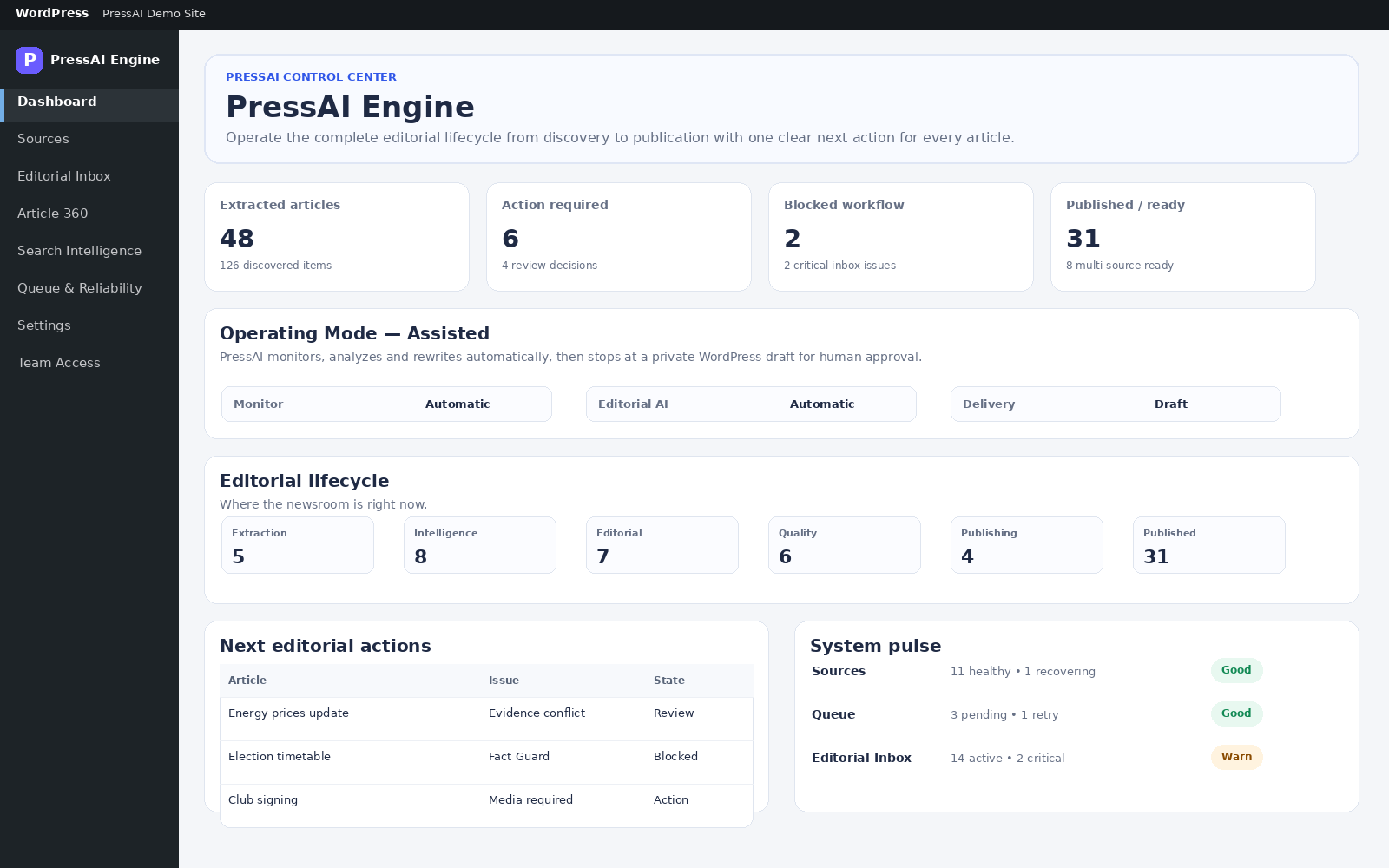
Goal: produce one reviewable draft without automatic public publishing.
Steps
- Settings → Operating Mode → Manual → Save operating mode.
- Optionally configure one AI provider under Settings → AI Connections.
- Sources → enter Website URL, optional Source name and Monitoring interval → Analyze & Add Source.
- Open the source → Run discovery → Extract one candidate.
- Open the article in Article 360.
- Review story/multi-source evidence, AI output, Fact Guard, Quality Gate and publishing readiness.
- Prepare SEO/media if needed, then Create / update draft.
Your first controlled workflow
- Install and activate the edition you want to test.
- Open the PressAI dashboard and review the operating mode.
- Add one trusted source.
- Discover and extract one article.
- Open the item in Article 360 and review evidence and quality gates.
- Create a WordPress draft before increasing automation.