
/
Getting Started
Start here · 1 of 39
What this guide covers
Requirements and the safest first workflow.
How to use it
Follow the page in order, verify the named screen or setting in PressAI, then use the related and next-guide links to continue the workflow.
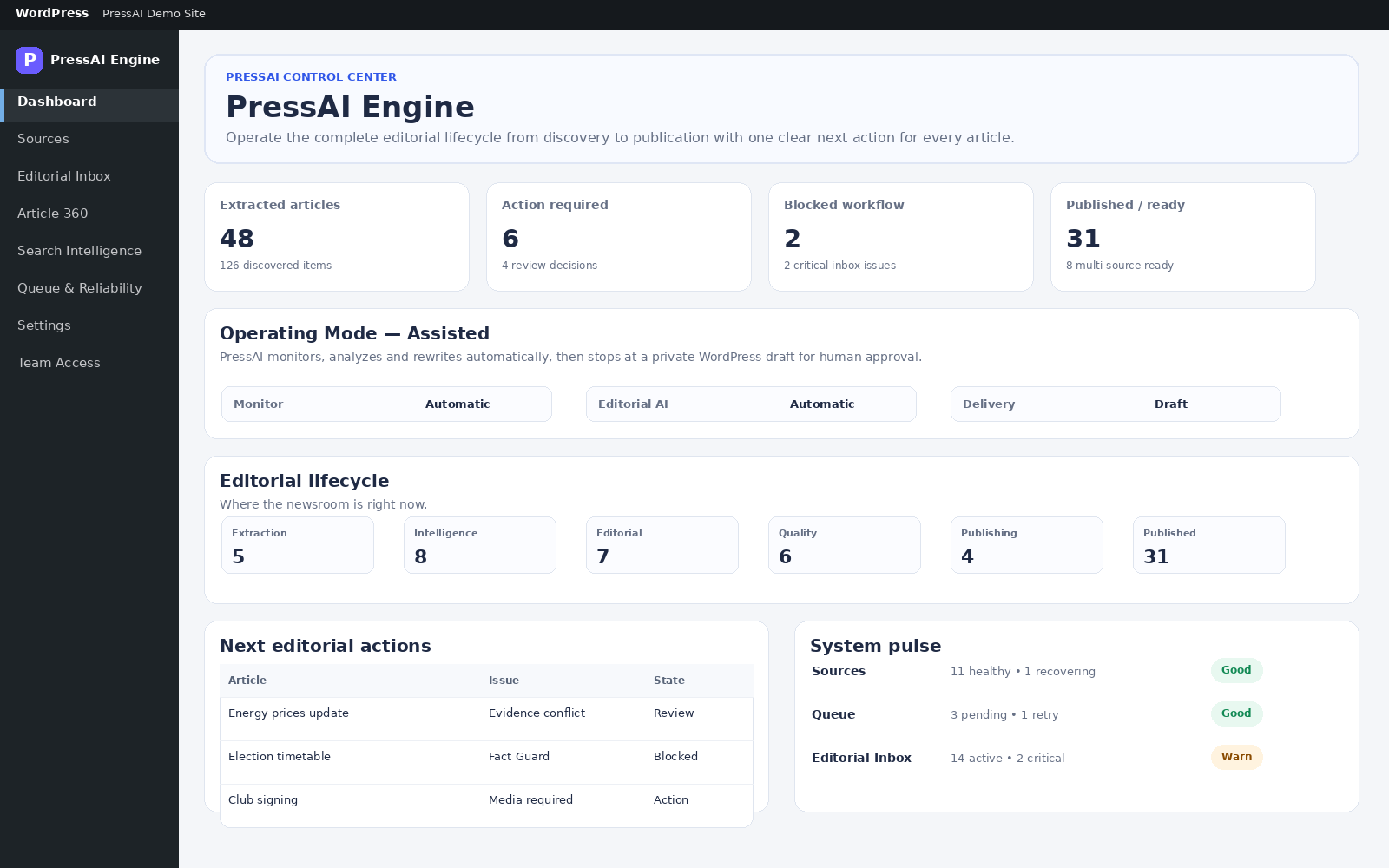
Start with one source and a fully reviewable workflow before enabling more automation.
Recommended first run
- Install and activate Lite or Pro.
- Open PressAI → Settings → Operating Mode and start with Manual.
- Add one trusted source in PressAI → Sources.
- Run discovery and extract one article.
- For Pro AI processing, configure one provider under Settings → AI Connections.
- Review the article in Article 360 from evidence through publishing readiness.
- Create a WordPress draft first; move to Assisted or Autopilot only after the source and review path are stable.
Workflow
Installation → Operating Mode → AI Connections → Sources → Discovery → Extraction → Articles/Stories → Multi-Source → Editorial Inbox → Article 360 → Fact Guard → Quality Gate → Publishing Readiness → Draft/Schedule/Publish